What are session ads and where do they show?
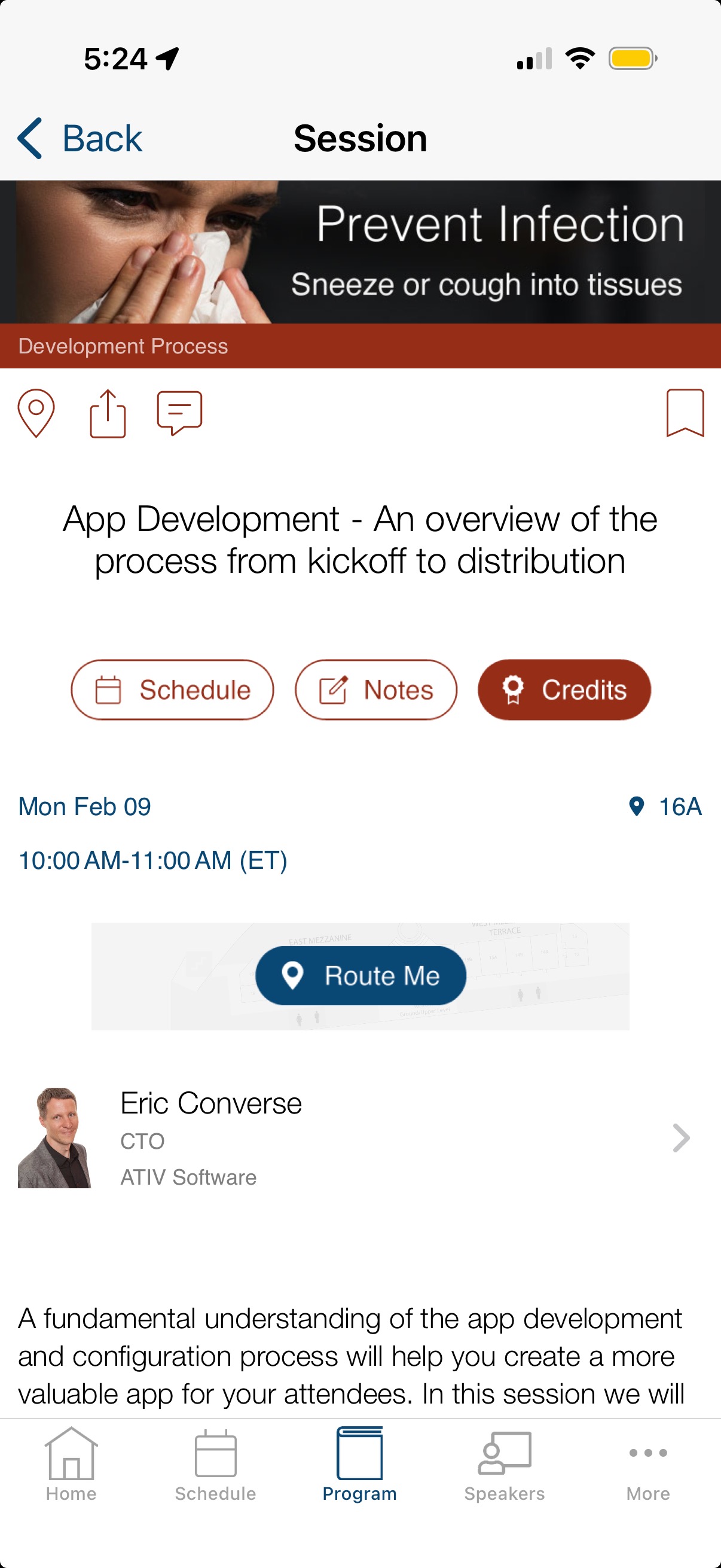
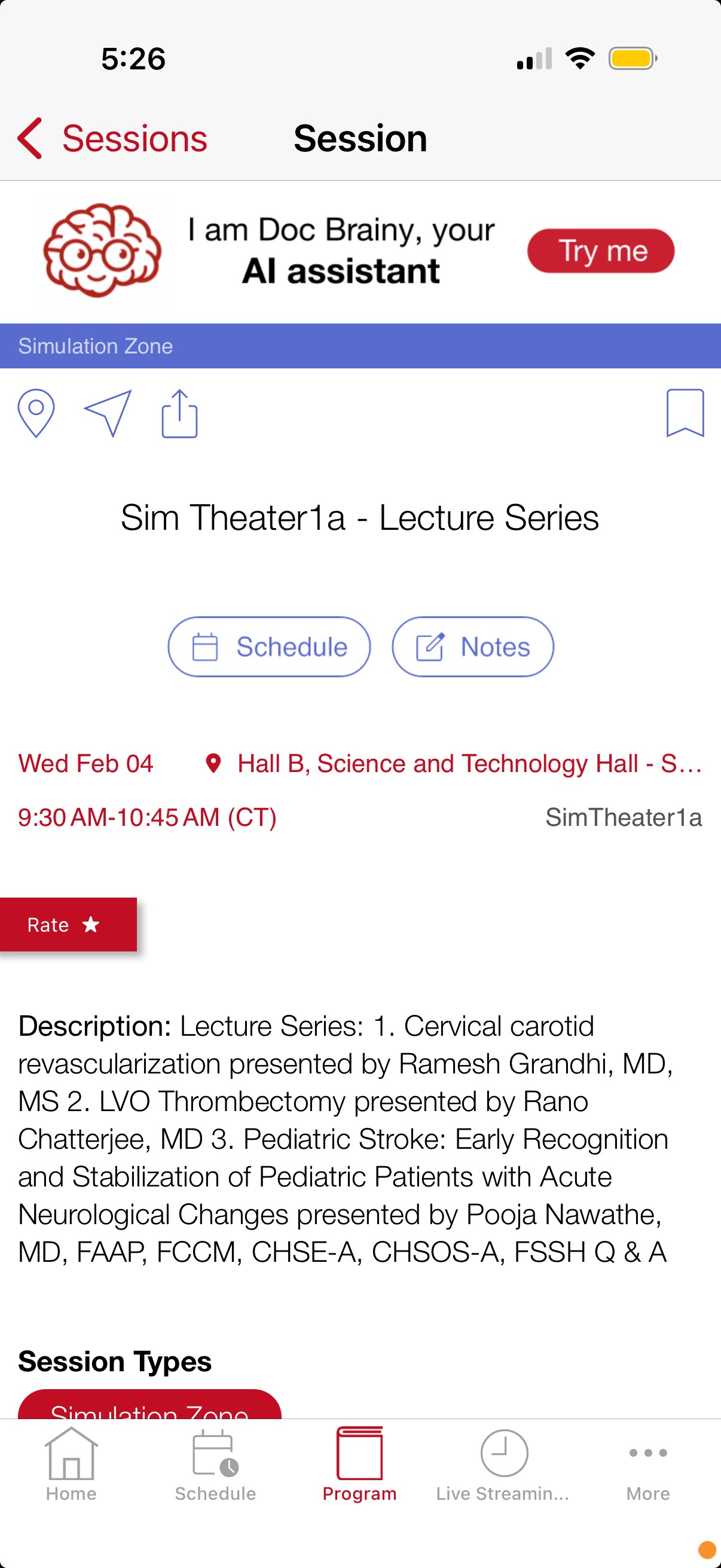
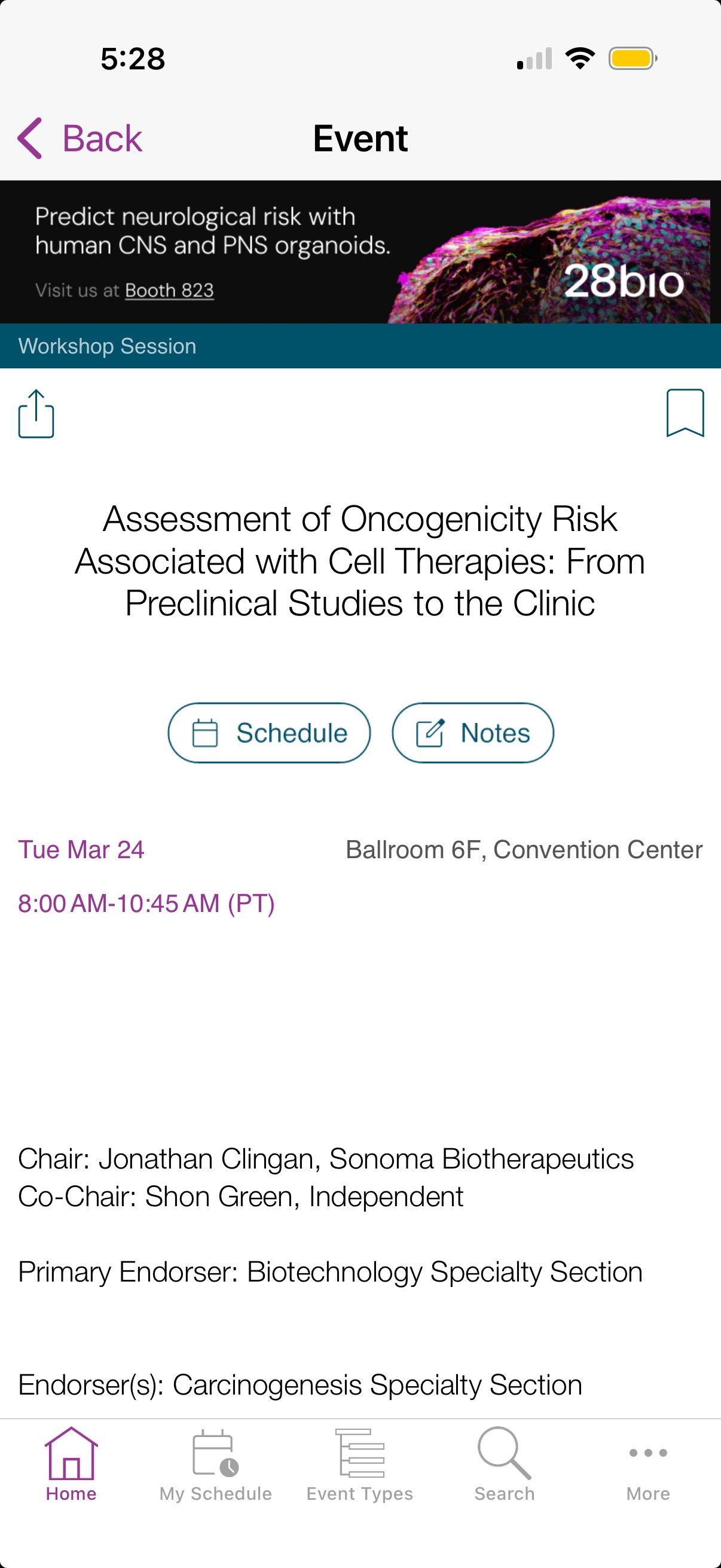
Session ads display above the session or subsession (child-session) detail view. For best user experience on small screens, session ads scroll up with the view. Session ads can be interactive and link to a website or to a page within the conference app. EventPilot's advertisement options are ACCME compliant for medical meetings.
Use ads for generating sponsorship revenue, highlighting features in your app like the AI Assistant, or communicating important information (e.g. prevent infection).
 |  |  |
How to add a session ad?
- In the Conference App Builder, navigate to Agenda > Session Ads
- Click the button Add a New Ad
- Enter a title that describes the ad (up to 90 characters)
- Upload an image (image and design specifications can be found in this article: What are the image sizes for the different ads?)
- Ensure the ad does not contain more than 2 lines of text, no transparencies, no borders, and avoid gradients
- Set an Action (learn more about the ActionBuilder)
- If needed, change the image background color
- If you must follow ACCME guidelines, you can control which ads display for which session types and ensure that your exhibitor's ads do not display in educational poster or oral sessions.
- If the particular ad is only allowed to be displayed in certain session type, remove All under Session Type
- Click in the Session Type field and click the checkbox for each session type where this ad is allowed to be displayed
- Click Save
FAQ
What if I had an ad associated to one session type that now no longer exists in my data?
Single Association: If the ad was linked only to the deleted session type, it no longer has any sessions to display in. It will effectively stop running. The session type chip in the Session Ads page will disappear in the App Builder.
Multiple Associations: If the ad was linked to several session types, it will simply stop appearing in the deleted one but continue to function normally in the others. The chip for the deleted session type will disappear on the Session Ads page in the App Builder.
How do I make an ad show again if it was assigned to a single deleted session type?
On the Session Ads page in the App Builder, click the pencil icon for that ad. Either select new session types to assign it to or click Save to reassign it to all session types again.
Can I have an ad show for just one single specific session?
Yes, by using a dedicated session type. If you create a type specifically for that one session, any ad linked to it will remain exclusive to that event.
Alternatively, you could display an ad banner as a media item where you can target one specific session. In this case, the ad is displayed below the session description as a media item: How can I associate an exhibitor with a particular session and show one specific ad banner in that session detail view? The exhibitor sponsors a particular session.